
Registration method
Note: In the future, all THD students will have to store a second factor in addition to the already known username-password combination. To set up this second factor, you will be automatically guided by the system step-by-step in the future - if it has not already been set up. It will then no longer be possible to log in without configuring the second factor.
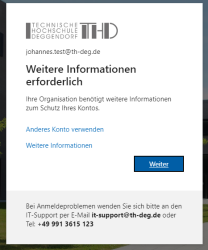
Preparation
1. start - request to set up the second factor:
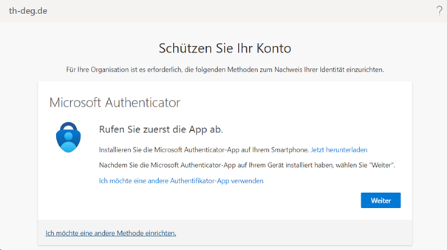
Click "next".
2. Microsoft Authenticator-App
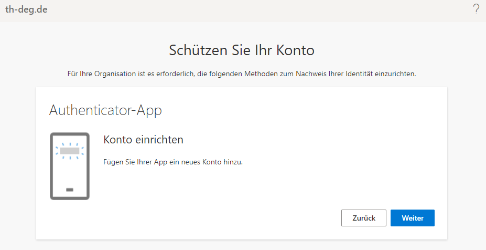
Click "next".
3. Scan QR-Code
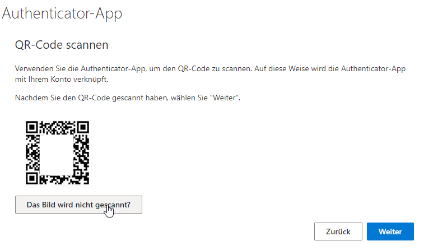
Leave this window open and launch the previously installed Authenticator app on your smartphone.